
AD SPECS
Beyond deadlines and sizes, we want you to know there’s more to having a great advertising experience than knowing deadlines and ad sizes to submit – we want you to know how to truly create connection that converts using intentional design in our publications. Please use the following guide to submit artwork requests or camera-ready files.
Advertising Design
SUBSCRIBE
Important Dates Calendar
Subscribe to the SOCIAL Magazines Important Dates Calendar
(click the + button on the bottom right corner of the calendar)
The SOCIAL Advertising Standard
We are not coupon books, so the ads that appear in our magazines should not be either.
We believe people do business with people they know, which is why we put a face to a business name, emphasizing ad designs that are people focused helping local brands win the only popularity contest that matters.
When designing your ad, please follow our advertising guidelines shown below that outline people first designs.



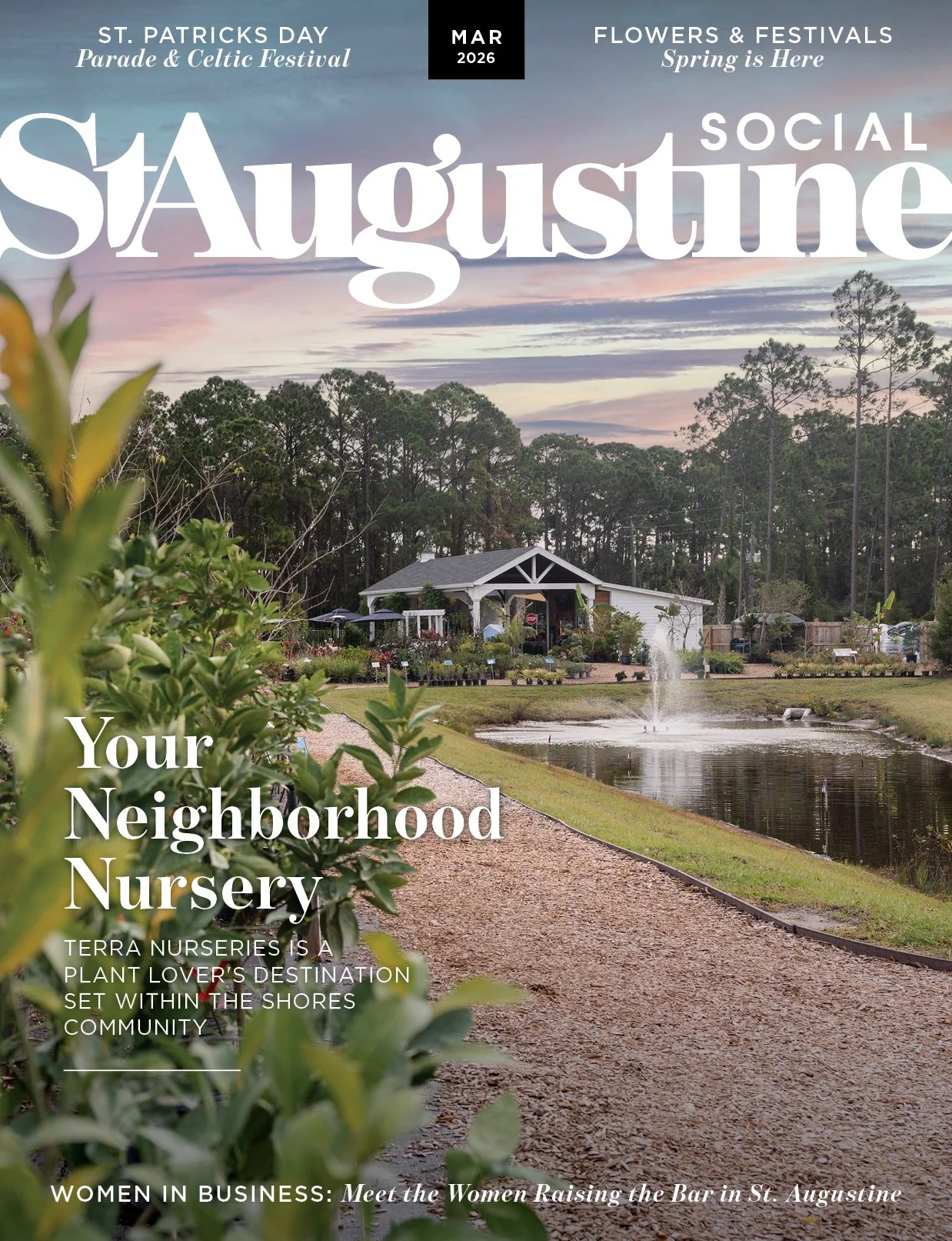
Publication Schedules & Sizes
-
January Issue
Advertising Deadline: December 5
Artwork Changes Submitted: December 1
Final Artwork Due: December 10
Payment Due + Print Date: December 15February Issue
Advertising Deadline: January 5
Artwork Changes Submitted: January 1
Final Artwork Due: January 10
Payment Due + Print Date: January 15March Issue
Advertising Deadline: February 5
Artwork Changes Submitted: February 1
Final Artwork Due: February 10
Payment Due + Print Date: February 15April Issue
Advertising Deadline: March 5
Artwork Changes Submitted: March 1
Final Artwork Due: March 10
Payment Due + Print Date: March 15May Issue
Advertising Deadline: April 5
Artwork Changes Submitted: April 1
Final Artwork Due: April 10
Payment Due + Print Date: April 15June Issue
Advertising Deadline: May 5
Artwork Changes Submitted: May 1
Final Artwork Due: May 10
Payment Due + Print Date: May 15July Issue
Advertising Deadline: June 5
Artwork Changes Submitted: June 1
Final Artwork Due: June 10
Payment Due + Print Date: June 15August Issue
Advertising Deadline: July 5
Artwork Changes Submitted: July 1
Final Artwork Due: July 10
Payment Due + Print Date: July 15September Issue
Advertising Deadline: August 5
Artwork Changes Submitted: August 1
Final Artwork Due: August 10
Payment Due + Print Date: August 15October Issue
Advertising Deadline: September 5
Artwork Changes Submitted: September 1
Final Artwork Due: September 10
Payment Due + Print Date: September 15November Issue
Advertising Deadline: October 5
Artwork Changes Submitted: October 1
Final Artwork Due: October 10
Payment Due + Print Date: October 15December Issue
Advertising Deadline: November 5
Artwork Changes Submitted: November 1
Final Artwork Due: November 10
Payment Due + Print Date: November 15 -
Ad Specifications can be viewed here
PRINT DIMENSIONS
(in inches)Final trim of magazine is
8.25″ wide x 10.75″ tallTwo Page (with bleed)
17″ wide x 11″ tallFull Page (with bleed)
8.5″ wide x 11″ tall
final trim is 8.25 x 10.75Full Page – no bleed
(white border will display around ad)
7.8″ wide x 10.25″ tallHalf Page – Vertical
4.125″ wide x 11″ tall
final trim is 4 x 10.751/3 Page –Vertical
3” wide × 11” tall
final trim is 2.875 x 10.751/3 Page - Square
5”wide x 5”tallBack Cover
8.5” wide x 9.125” tall -
Coming Soon
-
January Issue
Space Reservation: December 5
Artwork Edits: December 10
Camera-ready Artwork: December 15February Issue
Space Reservation: January 5
Artwork Edits: January 10
Camera-ready Artwork: January 15March Issue
Space Reservation: February 5
Artwork Edits: February 10
Camera-ready Artwork: February 15April Issue
Space Reservation: March 5
Artwork Edits: March 10
Camera-ready Artwork: March 15May Issue
Space Reservation: April 5
Artwork Edits: April 10
Camera-ready Artwork: April 15June Issue
Space Reservation: May 5
Artwork Edits: May 10
Camera-ready Artwork: May 15July Issue
Space Reservation: June 5
Artwork Edits: June 10
Camera-ready Artwork: June 15August Issue
Space Reservation: July 5
Artwork Edits: July 10
Camera-ready Artwork: July 15September Issue
Space Reservation: August 5
Artwork Edits: August 10
Camera-ready Artwork: August 15October Issue
Space Reservation: September 5
Artwork Edits: September 10
Camera-ready Artwork: September 15November Issue
Space Reservation: September 5
Artwork Edits: September 10
Camera-ready Artwork: September 15December Issue
Space Reservation: November 5
Artwork Edits: November 10
Camera-ready Artwork: November 15 -
PRINT DIMENSIONS
(in inches)Final trim of Newspaper is
11.375″ wide x 14″ tallFull Page
10″ wide x 12.5″ tallHalf Page – Horizontal
10″ wide x 6″ tallHalf Page – Vertical
5″ wide x 12.5″ tallQtr Page
5″ wide x 6″ tallEighth Page
5” wide x 3” tall
-
September Issue
Learning Without Limits Special Ad Section
Space Reservation: August 1
Artwork Edits: August 5
Camera-ready Artwork: August 10December Issue
Family Favorites Special Advertising Section
Space Reservation: November 1
Artwork Edits: November 5
Camera-ready Artwork: November 10March Issue
Camp Connection Special Ad Section
Space Reservation: February 1
Artwork Edits: February 5
Camera-ready Artwork: February 10May Issue
Healthcare for Kids Special Advertising Section
Space Reservation: April 1
Artwork Edits: April 5
Camera-ready Artwork: April 10 -
Ad Specifications can be viewed here
Final trim of magazine is
8.25″ wide x 10.75″ tallTwo Page (with bleed)
17″ wide x 11″ tallFull Page (with bleed)
8.5″ wide x 11″ tall
final trim is 8.25 x 10.75Full Page (no bleed)
(white border will display around ad)
7.8″ wide x 10.25″ tall2/3 Page (with bleed)
5.25 in wide x 11 tall
final trim is 5.125 x 10.75Square
5” wide x 5” tall
1/3 Page vertical (with bleed)
3” wide x 11” tall
final trim is 2.875 x 10.75
1/6 Page vertical
2.25” wide x 5” tall -
coming soon
Submit Camera-Ready Artwork
CLASSIC ADS
Please submit ads as high-resolution, CMYK .jpg files. PDF files are also accepted, but please make sure that all color and images are converted to CMYK and embed all fonts or convert to outlines before saving in PDF format.
On ads with bleed, please do not place text .5 inch from the edge of the ad. Otherwise, the text is at risk of being cutoff.
Do not include crop marks.
Please save your artwork in a file titled as your company name and date your artwork for which issue it should run in..
A minimum file resolution of 300 dpi is required. Low resolution logos and photographs pulled from the internet are not acceptable art for print. No PMS links are available. While we strive to match our client’s color specifications, we cannot guarantee a perfect match. No hardcopy proofs will be provided before final artwork is sent to print.
If instructions are not followed, Social Magazines will not be held responsible.
CONTENT ADS
The Partner Content Editor will reaching out to you regarding the photos and text required for your content ad. Please save production@socialmagazines.co to your address book so you don’t miss a memo.
Ads & Artwork can be uploaded to the client portal using the button below.
Request Ad Design
If you need for our graphic team to design your ads, please submit the desired focus of your ad, any creative direction, business information and special calls to action, taglines and promotions you’d like included to your advertising advisor.
Photography Request
If you will need photography and editorial from our team, please connect with your advertising advisor to set this up.